dbt AI: Usage metering and limiting
dbt AI usage is metered differently depending on the feature you use:
From September 1, 2026, a couple of things are changing for dbt AI features:
- AI features are being enabled by default. They're already on for new accounts and are rolling out soon to existing accounts. If your organization opted out, they'll remain off. Admins can turn AI features on or off anytime in Account settings.
- dbt Wizard is moving to usage-based billing for dbt-managed AI. Usage is metered per token against your consumption pool, and an admin can set a monthly spend limit in dbt platform.
Refer to dbt Wizard billing and access FAQs for more info.
The Wizard Desktop is billed through consumption pool pricing when you use dbt-managed inference, or directly by your provider when you use BYOK.
Usage and metering information
| Feature | How it's metered | What limits usage |
|---|---|---|
| dbt Wizard | Dollar-based usage, converted from tokens | Your consumption pool, then your monthly spend limit |
| dbt Copilot | A count of completed AI requests, known as actions | A monthly action allotment set by your plan |
Bring your own key (BYOK) usage isn't metered by dbt. Your AI provider bills you directly and the usage doesn't draw from either limit.
dbt Wizard
dbt Wizard is metered by dollar-based usage rather than a count of actions. Usage is measured in tokens — prompts, project context, cached content, and generated responses all consume them — and converted into a dollar amount based on the model and token type. That amount is deducted from your consumption pool.
Usage from dbt platform and the local CLI both draw from the same account-level pool.
Usage credits by plan
Usage credits are granted per account, not per user or per seat. Everyone on your account draws from the same balance, whether they use dbt Wizard in dbt platform or the local CLI.
| Plan | What you get |
|---|---|
| Enterprise | $100/month in usage credits per account, resets each billing month |
| Enterprise+ | $200/month in usage credits per account, resets each billing month |
| All other plans and self hosted dbt users | One-time 30-day trial with $100 in usage credits per account |
Pools don't roll over. For eligibility, how to start a trial, and how to set up paid access afterward, refer to Trial and billing.
When you reach your limit
Your spend limit caps how much dbt managed dbt Wizard usage your account can consume in a billing period. You only pay for actual usage, up to the limit you choose.
- If you use up your consumption pool on a Developer, Starter, or self-hosted plan, usage pauses until you add paid usage or the next billing cycle starts.
- Enterprise and Enterprise+ accounts should add a committed spend amount to their contract to keep using dbt Wizard. You may lose access to dbt Wizard without this commit in place. If you've set an optional monthly dbt Wizard spend limit, that still applies and pauses usage once reached.
- Limits are set separately for dbt Wizard and dbt State, but both draw from your account's overall usage-based spend.
View Wizard usage
- Navigate to Account settings.
- Select Billing & Usage under the Settings header.
- On the Overview tab, check the Consumption pool card, or open Usage-based features > Wizard for usage and spend controls.
You need to be an account admin or billing admin to view or change spend limits.
For trials, consumption pools, spend limits, and BYOK billing, refer to dbt Wizard billing and access FAQs.
dbt Copilot
dbt Copilot usage is measured by the number of completed AI requests, known as dbt Copilot actions. A defined number of actions is allocated monthly based on your subscription plan. Once you reach the limit, dbt Copilot is temporarily disabled until the start of the next billing cycle.
View Copilot actions
- Navigate to Account settings.
- Select Billing under the Settings header.
- On the billing page, click the Copilot Actions tab to view your usage.
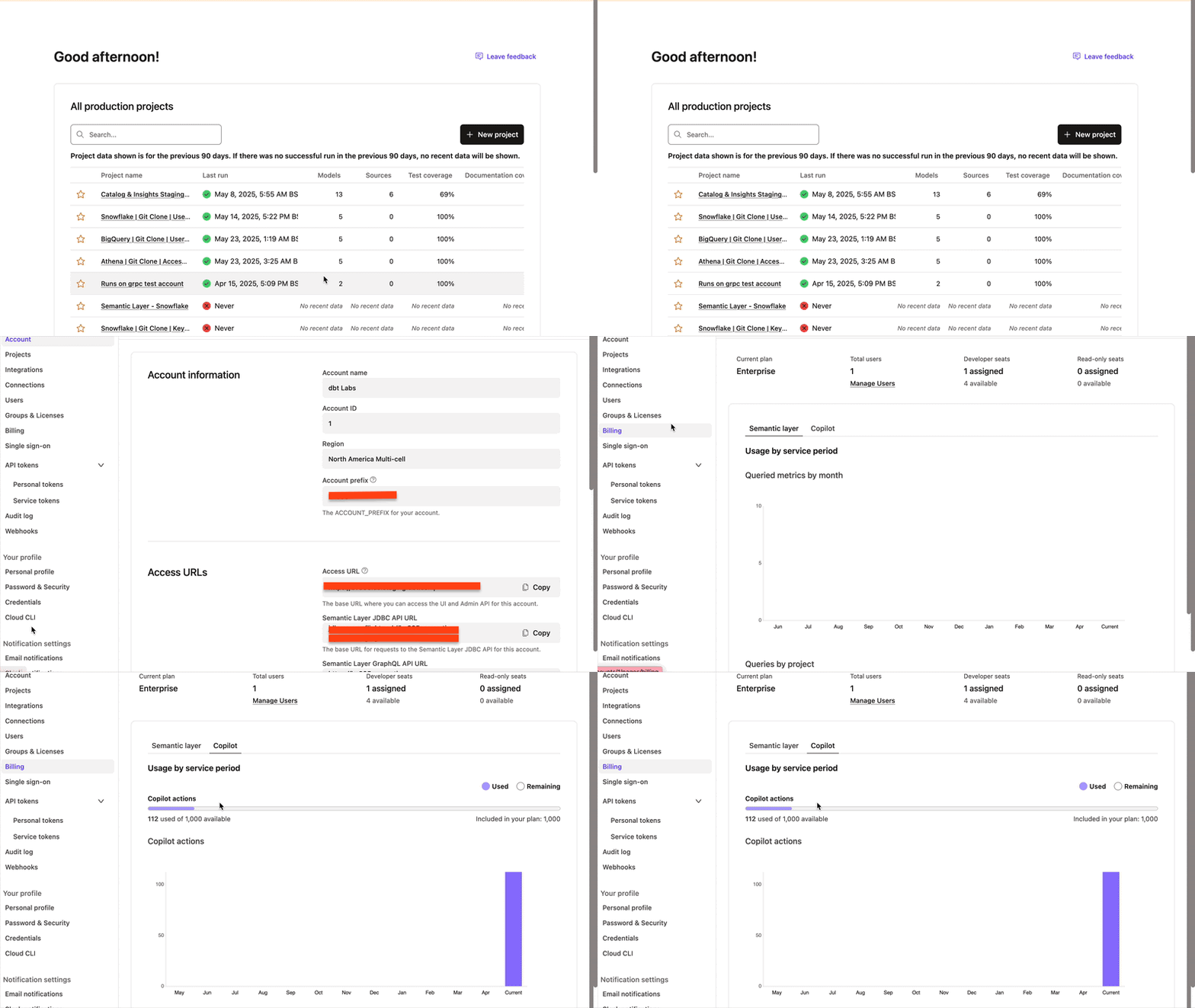 View usage in dbt Copilot
FAQs
Related docs
- Trial and billing to start a dbt Wizard trial and set a spend limit
- dbt Wizard billing and access FAQs for common billing questions
- Models and pricing for model options and token pricing
- Billing for general dbt platform billing
Was this page helpful?
This site is protected by reCAPTCHA and the Google Privacy Policy and Terms of Service apply.
